A protected Instagram account with a strong password and two-factor authentication can still fall into the wrong hands. We see it regularly in the field: users who have checked all the security boxes find themselves locked out of their own profile. Understanding the actual attack vectors, including those that bypass 2FA, allows for adjusting protection to what is really happening.
Bypassing 2FA: why two-factor authentication is no longer enough
Most Instagram security guides stop at activating 2FA via SMS or app. It is assumed that the account is locked. In practice, several scenarios make this protection porous.
The first concerns SIM swapping. An attacker contacts the target’s mobile operator, impersonates them, and obtains a number transfer to a new SIM card. The SMS verification code then arrives directly on the attacker’s phone. The user simultaneously loses their network signal and access to their account.
The second vector exploits third-party applications authorized on the account. When connecting a follower analysis tool or a scheduling service, access tokens are granted. If this application suffers a data leak or is malicious from the start, the token can be reused without triggering any 2FA verification.
We know the techniques to hack an Instagram account via third-party tools, and this vector remains one of the most underestimated.
The third scenario involves real-time phishing. The attacker sends a fake Instagram alert message, the victim enters their username and password on a counterfeit page, then the hacker immediately logs into the real account and intercepts the 2FA code that the victim receives and unknowingly transmits via the fake interface.

Instagram Phishing: Anatomy of a Message Attack
In the field, phishing remains the most common method. It requires no advanced technical skills, just manipulation.
The classic scheme starts with a direct message or an email mimicking an official notification. The text signals an urgent problem: account blocked, copyright violation, mandatory verification. The link redirects to a login page visually identical to Instagram’s.
What makes these attacks effective is their contextual targeting. A content creator will receive a message about a supposed copyright infringement. A merchant will see a fake store report. The urgency and apparent relevance of the message short-circuit vigilance.
- Legitimate emails from Instagram come exclusively from domains ending in @mail.instagram.com. Any other domain is suspicious, even if it contains the word “instagram”.
- Instagram never asks for a password to be entered via a link sent in a direct message.
- The “Instagram Emails” section in the account security settings lists all messages actually sent by the platform in the past few days.
Reused Passwords and Data Breaches: The Weak Link
When a third-party service database leaks (forum, online store, mobile app), email/password combinations circulate on specialized markets. Attackers then automatically test these credentials on Instagram, Facebook, Gmail, and other platforms.
Using the same password on two services is like giving a duplicate key. If the least secure service falls, all accounts using the same password become vulnerable. This type of attack, called credential stuffing, works on a large scale and requires no interaction with the victim.
Feedback varies on the effectiveness of password managers depending on user profiles, but the principle remains the same: each account must have a unique, randomly generated password of at least fifteen characters.
Securing an Instagram Account Beyond Basic Settings
Activating 2FA is a first step. Here’s what really changes a account’s resistance to the methods described above.
Replace SMS 2FA with an authentication app
An app like Google Authenticator or Authy generates codes locally on the phone. SIM swapping is no longer useful since there is no code sent via SMS to intercept. This is the most cost-effective protection setting.
Audit connected third-party applications
In the Instagram settings, the “Apps and Websites” section lists all services that have access to the account. Often, forgotten tools connected months or years ago can be found there. Revoking unused access immediately reduces the attack surface.
Check connected devices and login activity
The “Login Activity” section shows active sessions with their approximate location. A login from an unusual city or country indicates a probable compromise. Instagram allows you to disconnect each session individually.
- Check login activity at least once a month.
- Revoke any unrecognized session immediately.
- Regularly export your content (photos, stories, messages) to keep an independent copy of the account in case of loss of access.
Recovering a Hacked Instagram Account: The Real Journey
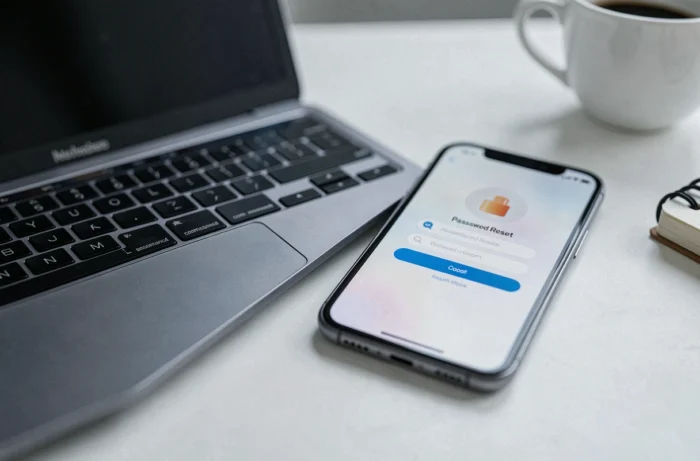
Instagram offers a dedicated page accessible via instagram.com/hacked, with a path “My account has been hacked”. This form can work even if the email address associated with the account has been changed by the attacker, as long as the username or the old email linked to the profile is provided.
Recovery then goes through identity verification. For accounts containing photos of their owner, Instagram may request a video selfie. The processing time varies, but acting within the hour following the compromise increases the chances of recovering the account before the attacker changes all contact information.
The reflex to have in parallel: immediately change the password of the main email address linked to the account. If the hacker also controls the email inbox, any recovery attempts via Instagram will be intercepted.